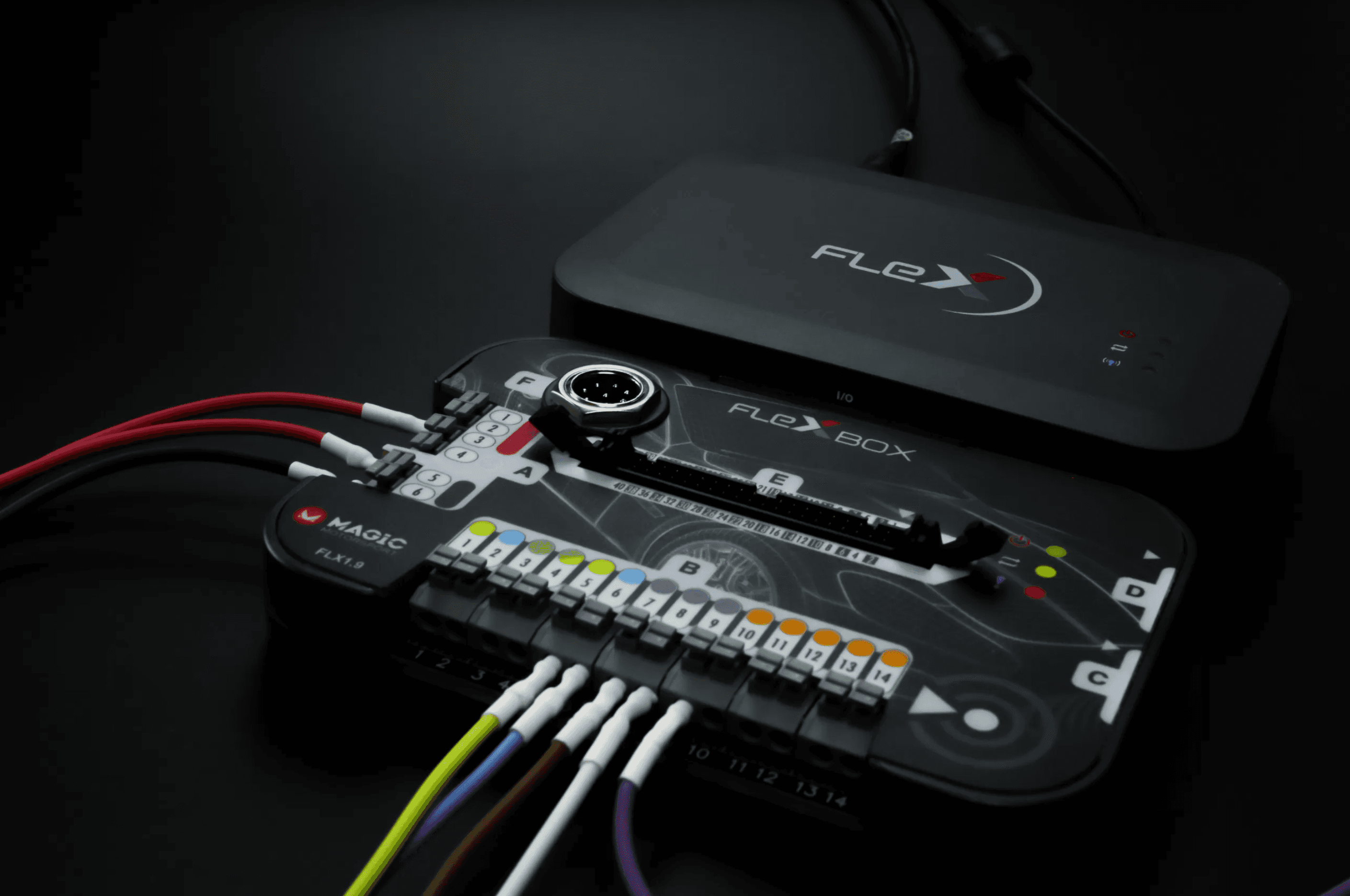
Overview
FLEX is designed to be simple when it can be — and powerful when it needs to be. You can add licenses, buy accessories for specific ECUs, and tailor the tool to your workflow.
Features
What FLEX can do
FLEX has clear software and a straightforward interface. Below is an overview of common functions and use cases.
ECU & TCU programming
Support for working with engine and transmission control units, depending on your license.
OBD / Bench / Boot
Multiple connection modes in one ecosystem. The method depends on the vehicle and control unit.
File handling
Read/write, storage and file management in a structured interface.
Overview & compatibility
The software guides you through function selection and, in many cases, what’s possible for the chosen vehicle/control unit.
Exact functionality depends on which FLEX variant (Master/Slave) you choose and which accessories/licenses you need. We’ll help you match the setup to your workflow.
Common setups
FLEX can be purchased as Master or Slave. Your choice determines how flexible the setup is and how you want to work with files and collaborations.
Interface
The software — what the program looks like
See screenshots from the FLEX software and the interface you’ll be working in.
Inside the software
Browse the images to see the workflow.
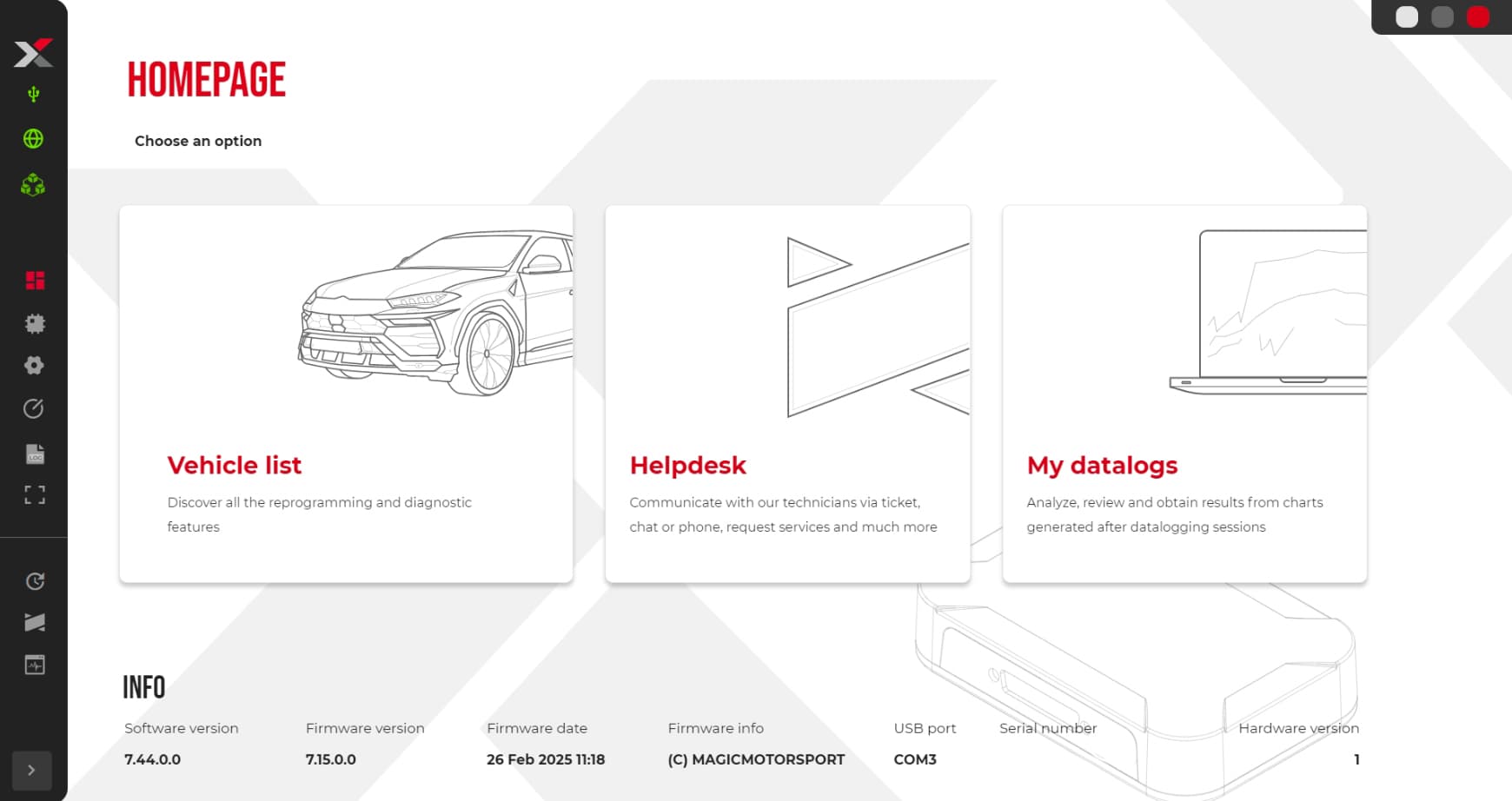
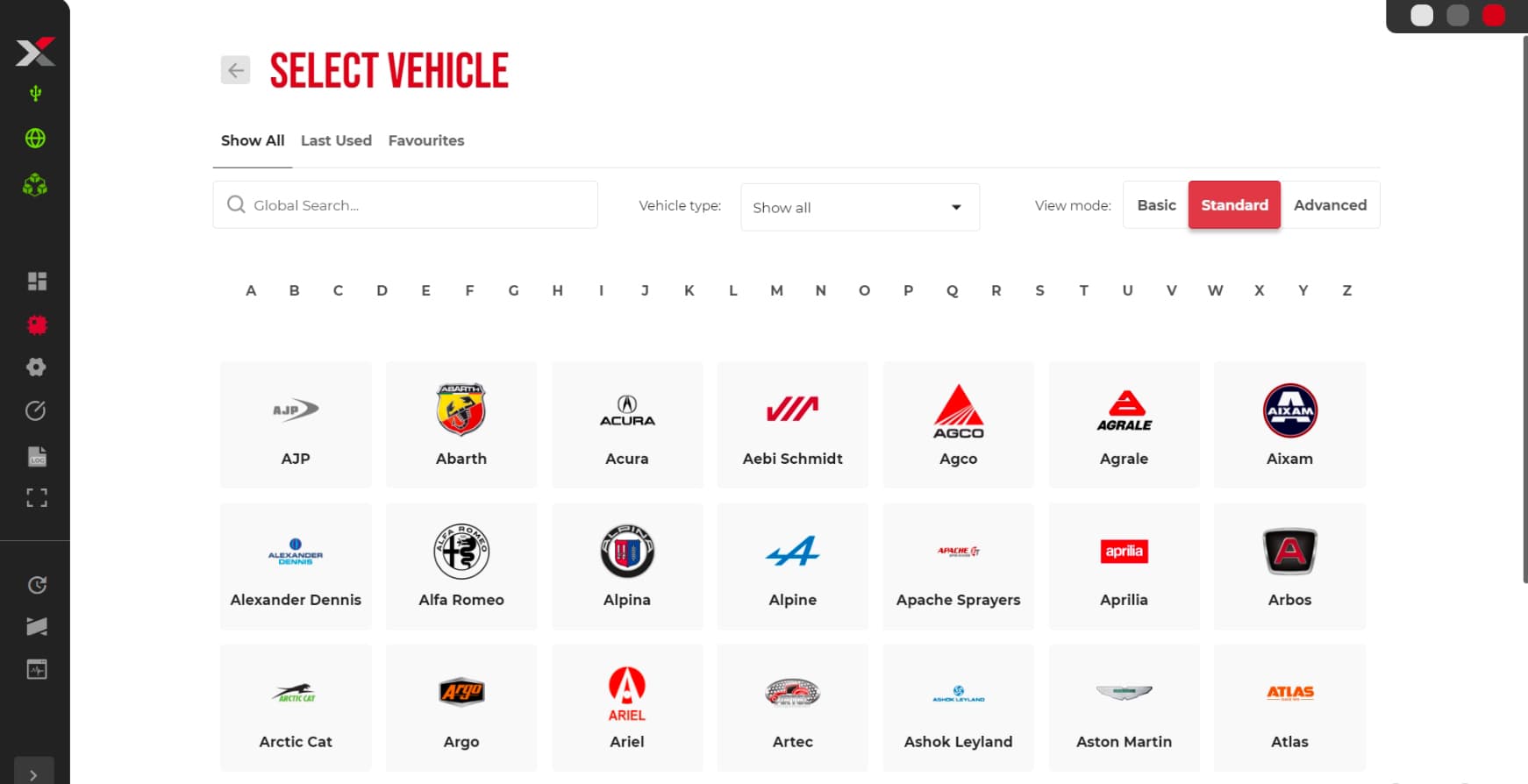
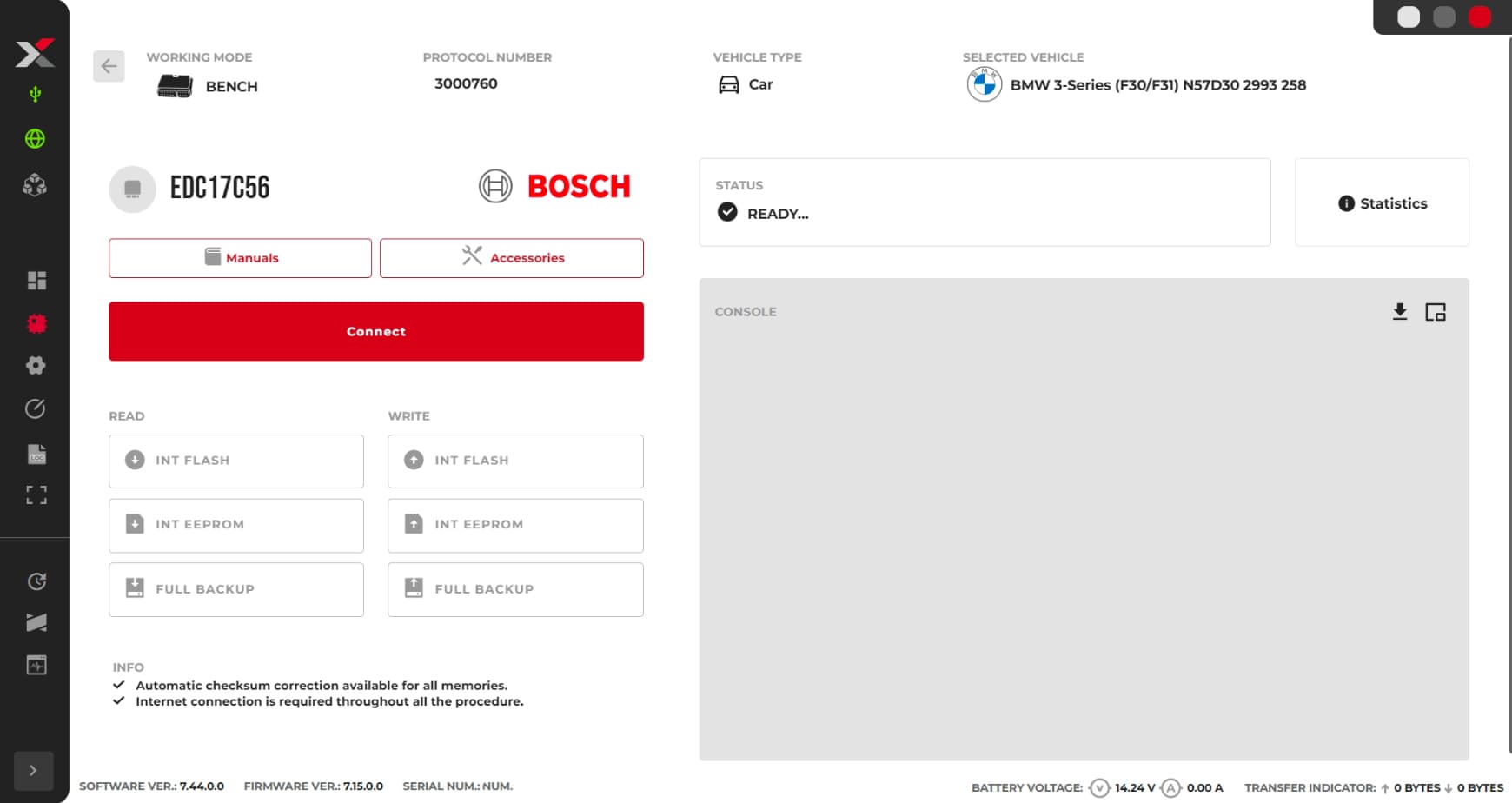
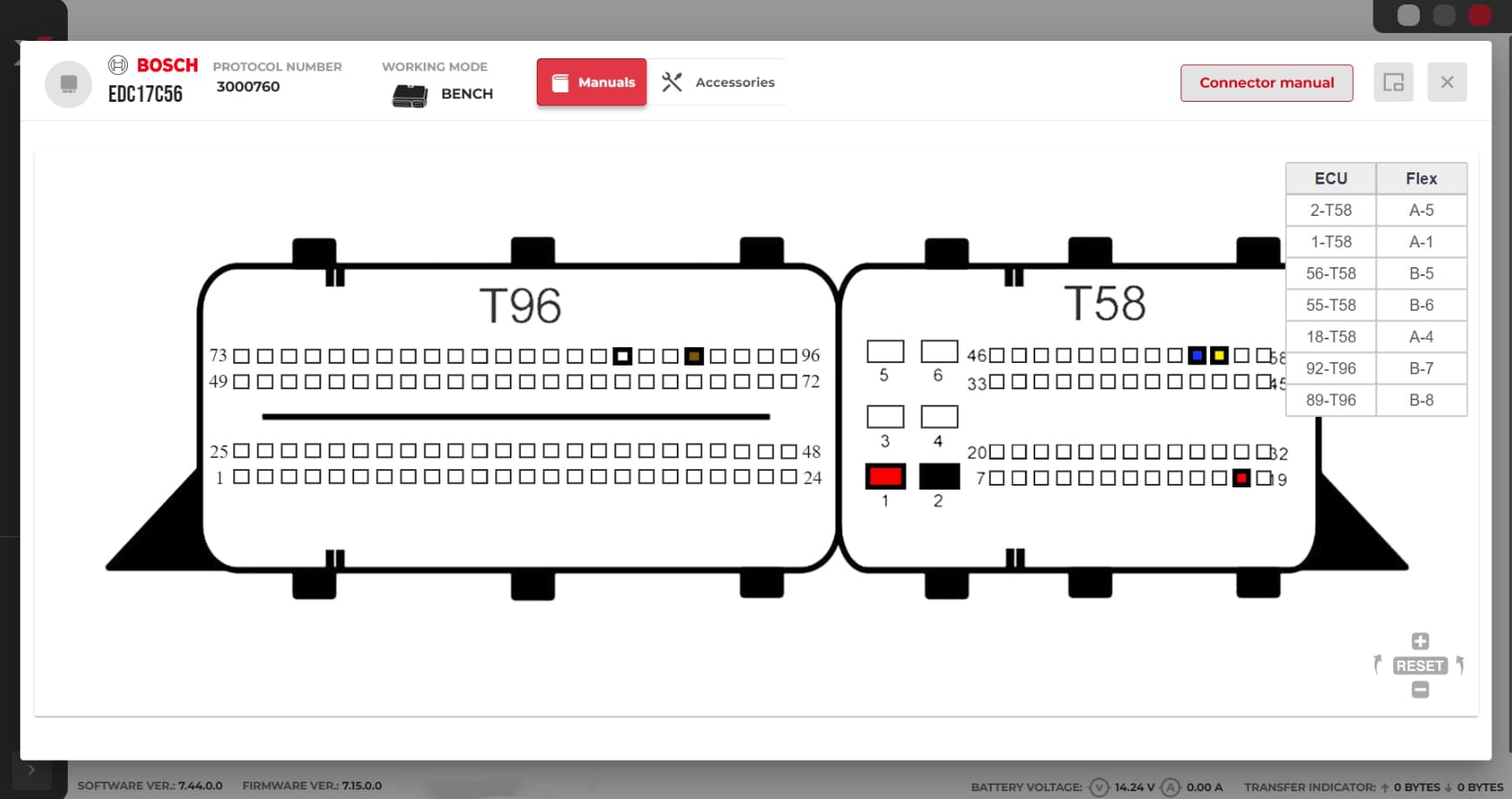
Workflow in FLEX
Accessories
Accessories & kits
There are many add-ons available for FLEX when needed. Cables, BOOT frame, and storage are a few examples.
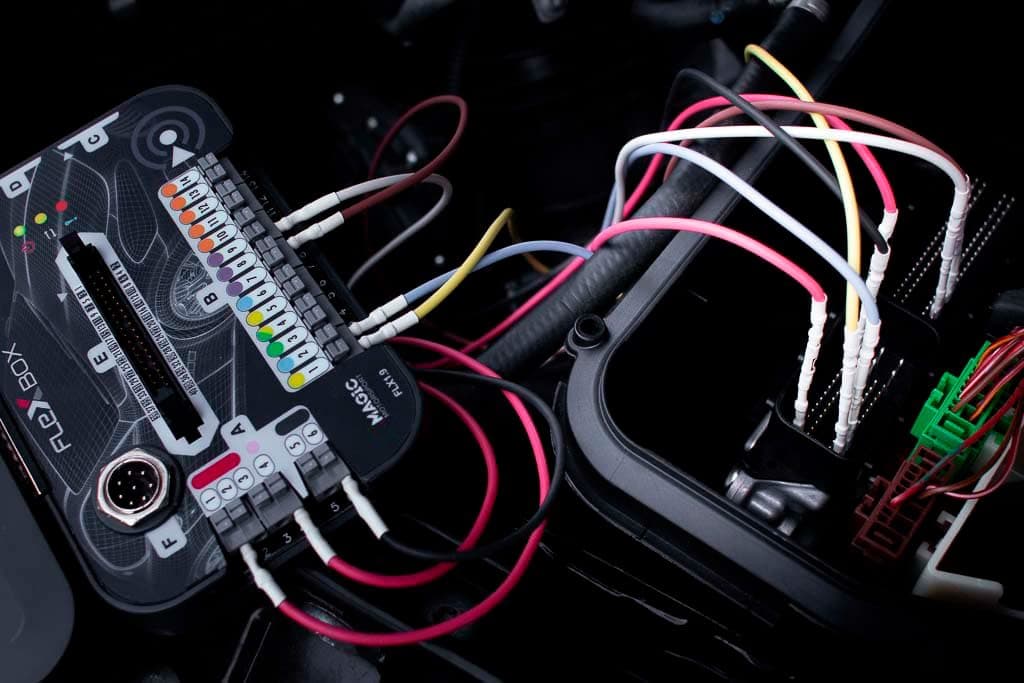
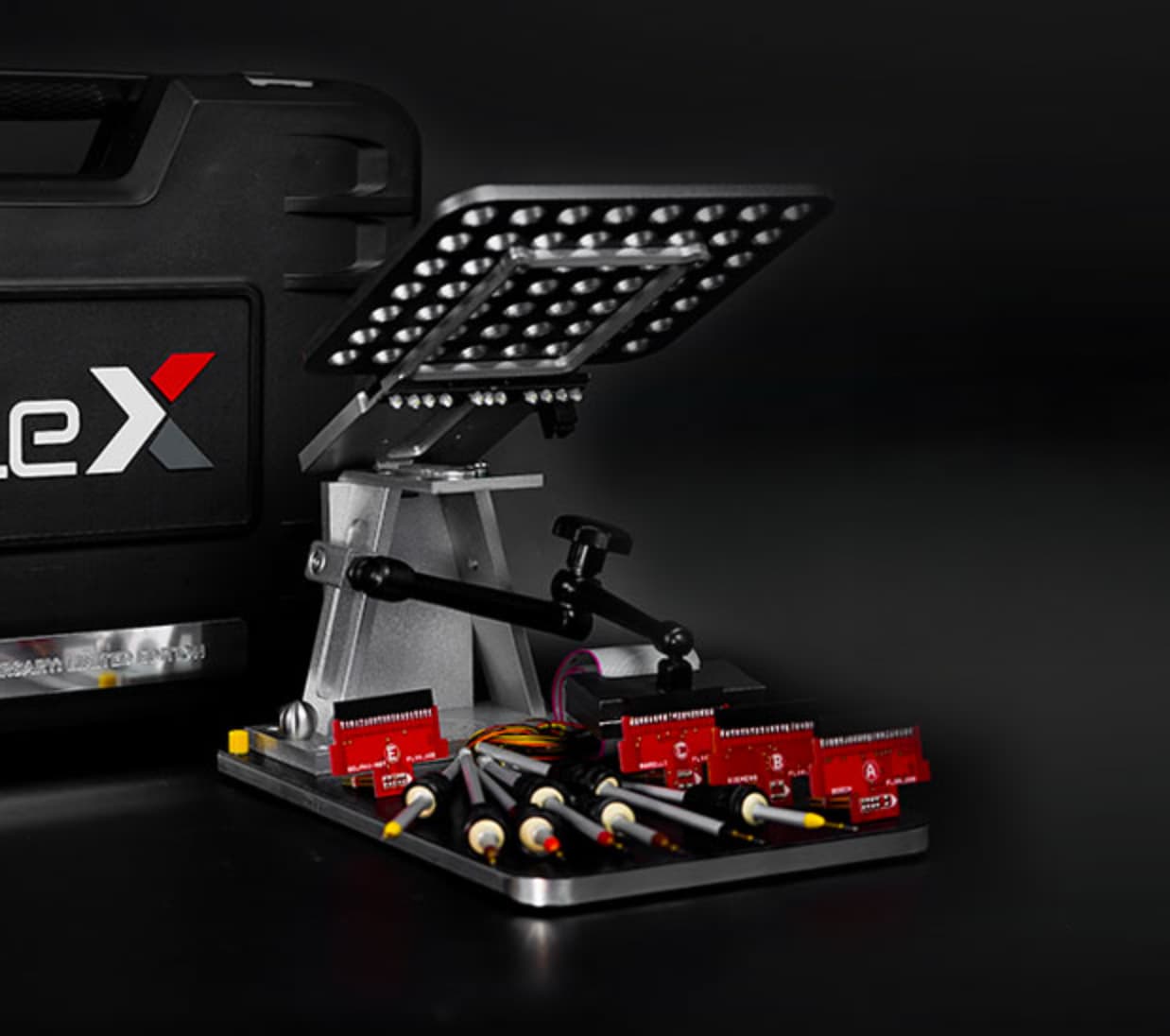
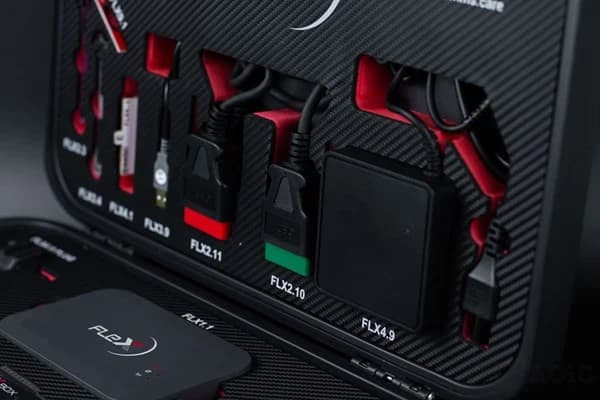
Want to order add-ons with your package? No problem — we’ll help you pick the right accessories for your needs.
Included
What’s included in our FLEX setup
Simple and clear: the tool + the right setup level and guidance around the product.
Package & contents
We deliver a FLEX setup where you get the right variant based on your needs — in a “ready-to-use” package.
- Recommendation: Master or Slave based on your workflow
- Help choosing licenses (so you don’t buy the wrong ones)
- Accessory check: what you need and what you can reuse
- A clear plan for setting up the tool in your environment
Want a quote?
Tell us what you want to do with FLEX and we’ll propose the right variant + licenses + accessories.
Next steps
Want to see how a job is done, or what the starter package/financing looks like?
FAQ
Common questions about FLEX
Quick answers about Master/Slave, ECU/TCU, and connection methods.
What’s the difference between FLEX Master and Slave?
Master gives you more freedom and flexibility, while Slave is a simpler setup with fewer choices. We’ll help you pick the right option based on how you want to work.
Does FLEX support both ECU and TCU?
Yes. FLEX can be used for both ECU and TCU depending on your licenses and setup.
What do OBD, Bench, and Boot mean?
OBD is done via the diagnostic port. Bench means working with the control unit on the bench. Boot is used when an ECU/TCU requires boot mode for proper read/write.